From $19.99/month · Built free · 0% of your bookings

Everything you get.

Both plans come with all of it, and we set it up for you, using your services, prices and photos.

Contact sales

Your booking site

Your name, services and colors. We build it free.

Clients see your shop, your services and your prices, and book in a few taps. Tell us your shop name and services and we build it for you.

Your own booking link

Put it in your Instagram and TikTok bio.

One link to your booking site. Clients tap it and book any time, even at midnight while you sleep.

Services, prices and photos

Clients see what it costs before they book.

Every service, how long it takes and what it costs, so nobody DMs to ask. Cuts, color, braids, beards: whatever you do.

Deposits

No-shows pay for the slot. The money goes to you.

Take a deposit up front through Stripe, and set it higher for long services like color. It goes straight to you and Chairly takes 0%. Stripe's card fees are yours, like with any booking app.

Text reminders

The day before and 2 hours before.

Clients who ask for texts get one the day before and another 2 hours before their appointment.

Email reminders

With a calendar invite for every booking.

Every booking gets a confirmation email with the details and a calendar invite. Clients who skip texts get their day-before reminder by email.

Clients confirm by text

They reply C, and you see a check.

Clients reply C to the day-before text, and you see a check next to their booking.

Changes by text

New price or new cut? Text us and we update it.

Nothing to learn and nothing to log in to. Text us the change and we update your site.

Client notes and photos

Formulas, allergies and before-and-afters, kept with each client.

Keep notes on every client, like color formulas, allergies and how they like it, plus up to 10 before-and-after photos. They show next to the client's appointment. Private to your shop, never shown to clients.

Rebooking reminders

A nudge when it's time to come back.

Set how often each service comes around, like a cut every 4 weeks or color every 6. If a client hasn't booked again by then, they get one reminder with a link to book the same service with the same barber or stylist. You can switch it off.

Waitlist

A cancelled spot goes to the next person in line.

When a day is full, clients can join the waitlist. If someone cancels, the first person in line gets a link that holds the spot for 15 minutes. If they don't take it, it goes to the next person.

Your day on your phone

Today's bookings, with each client's notes and photos.

Sign in with your email and see who's coming, who confirmed by text, and each client's notes and latest photo. Cancel a booking, check your waitlist, or add a note from the chair. No app to download and no password to remember. It works on your phone, tablet or computer. Only your shop can see it.

Screens show two made-up sample shops: a barbershop and a hair salon.

And it keeps going.

45 more tools, and counting. Both plans get every one. Tap a group to open it.
Marketing

3 tools
  • Email your clientsUnlimited emails. Start from a template, add a picture, pick who gets it, and send yourself a test first. Every email has an unsubscribe link.
  • Text blastsSend a short offer to the clients who asked for offers by text. Your plan comes with monthly credits, and anyone can reply STOP.
  • A writing assistantSay what you want to tell clients and it drafts the email or the text for you, using your real services and prices. You edit it and you press send.

Payments

9 tools
  • Pay in full, or just the depositYou choose: deposit only, let the client pick, or always paid in full when they book.
  • TipsClients paying in full online can add 15%, 20%, 25% or their own amount. It all goes to you.
  • Promo codesMake a code for a percent or dollars off, with a use limit or a last day if you want one.
  • Gift cardsSell gift cards from your own link. They're emailed with a code, never expire, and you redeem them from your phone.
  • MembershipsSell a monthly membership, like two cuts a month. It renews by itself and the visits refill every month.
  • PackagesSell a bundle of visits up front and tick them off as they're used.
  • InvoicesBill a client by email for a wedding party or a big job. They pay online.
  • Split paymentsOne bill, paid in parts: some by card, some in cash, some off a gift card.
  • Booth renter payoutsBarbers who rent a chair can be paid straight into their own account, not yours.

Google

2 tools
  • A Book button on GoogleStep-by-step help to put your booking link on your Google profile, so people book straight from Search and Maps.
  • Automatic review requestsEvery client gets a friendly email a couple of hours after their visit, with your Google review link. Nobody is asked twice in 90 days.

Booking

7 tools
  • Add-onsExtras your clients can tick when they book. The time and the price are added on for you.
  • Questions when they bookAsk up to five questions, like "Is this your first visit?" The answers show next to the appointment.
  • Approve bookings yourselfIf you like to OK each one, clients send a request and you tap Approve or Decline.
  • Your cancellation rulesSet how many hours ahead a client can cancel for their deposit back. Every confirmation has a cancel link.
  • No-showsMark who didn't come. The deposit is yours, and you can see who makes a habit of it.
  • Gap and processing timeKeep a few minutes free after each service, and take a second client while a color sets.
  • Calendar syncSee your bookings in Google, Apple or Outlook, and have your own calendar's busy times blocked so nobody books over them.

Your page

3 tools
  • Team profilesA picture and a few words for every barber, shown when clients choose who to book.
  • A gallery of your workUp to 24 pictures on your booking page.
  • Six looksPick the look of your booking page, from clean and bright to dark.

Clients

5 tools
  • Forms and waiversClients sign your waiver or consent form online before they come in. You keep a record of what they signed and when.
  • Block a clientStop a serial no-show from booking online. They're asked to call you instead.
  • Full client historyEvery visit, no-show and purchase in one place, with what they've paid.
  • Your reminder scheduleChoose when reminders go out: one, two or three days before, and a text a few hours ahead.
  • Photo remindersA nudge when each appointment starts to take a before and after photo.

Your team

4 tools
  • Staff sign-ins with rolesGive each barber, your front desk and your manager their own sign-in. Each sees only what their job needs.
  • CommissionsSet each barber's percentage and see what they've earned this month, with tips counted apart.
  • Time clock with breaksYour team clocks in and out from their phones. Breaks are tracked and don't count as worked time.
  • More than one locationSign in once and switch between your shops, see each one's month side by side, and show clients all your locations on one page.

Products

1 tool
  • Retail stockList what you sell, tap when one is sold, and get an email when something is running low.

Reports

5 tools
  • Sales and sales taxSee what came in from services, products, memberships and invoices, and the sales tax on your product sales.
  • Appointments and retentionHow many showed, cancelled or no-showed, your busiest day, and how many clients came back.
  • Team scorecardEach barber's visits, revenue, average ticket, new clients, commission and tips, side by side.
  • Top clients and client insightsYour best clients, your regulars, who has gone quiet, and what a visit is worth.
  • ExpensesJot down what you spend and see sales less expenses.

Growth

3 tools
  • GoalsSet a sales goal for the month and see if you're ahead of pace or behind.
  • Your ad pixelAdd your own Meta Pixel or Google tag to your booking page for the ads you run.
  • Ask about your numbersAsk a question in plain words, like "am I keeping my clients?", and get an answer from your own figures.

Your data

3 tools
  • Download your data anytimeOne button gives you everything as spreadsheets: clients, appointments, services and prices, payments and staff. It's your data.
  • A backup link every weekEach week we email you a link to sign in and download a fresh copy. You can turn it off.
  • Leaving is easyCancel in one click from your billing page. We send a last link to download everything and keep your data for 30 days.

Built for your chair.

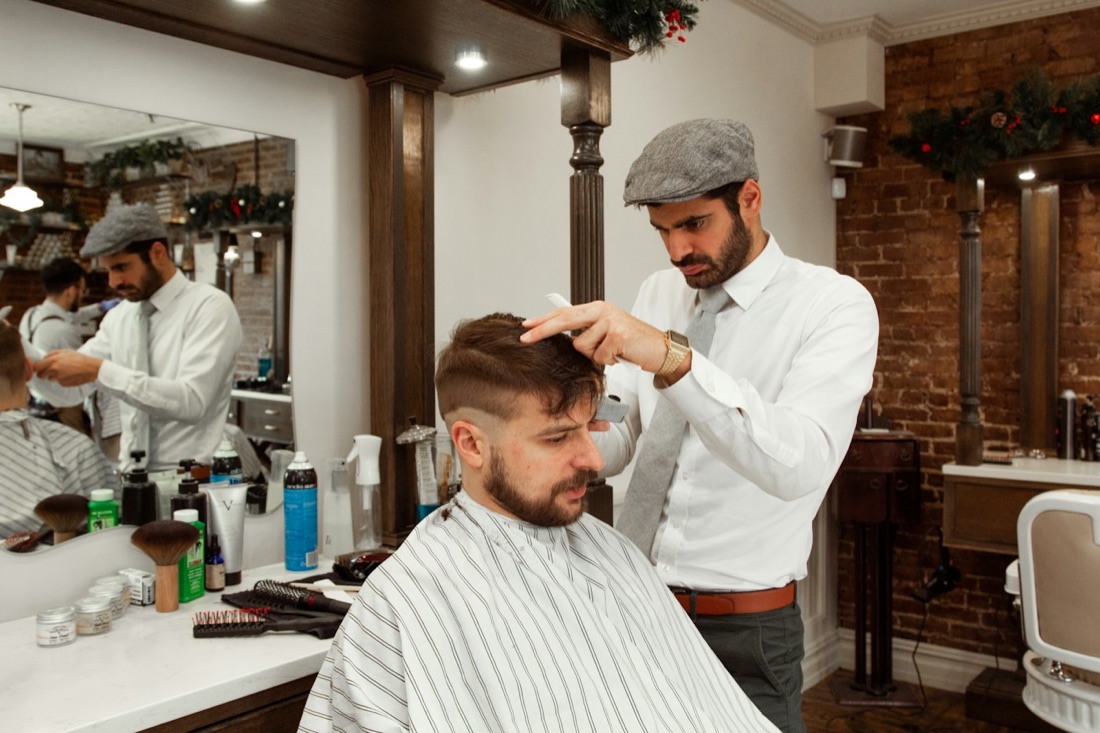
A barber in a flat cap cutting a client's hair in a brick-walled shop
Barbers
  • Your booking site
  • Your own link
  • Services and prices
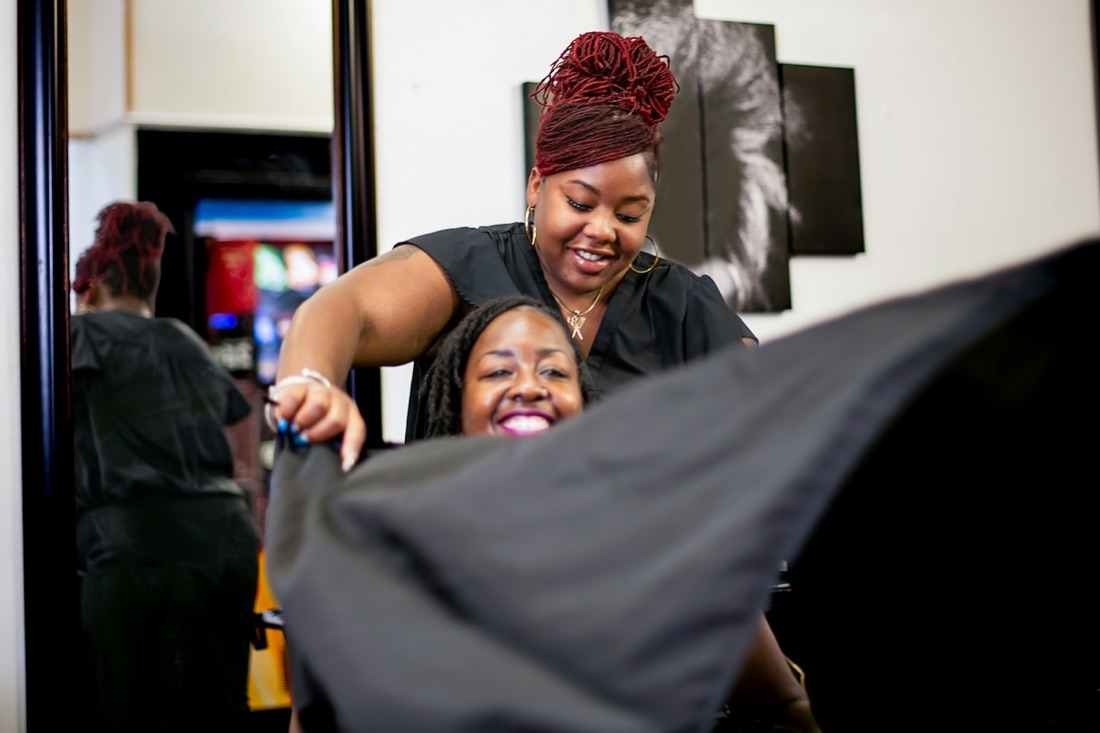
A smiling stylist draping a cape over a laughing client
Stylists
  • Deposits
  • Text reminders
  • Email reminders
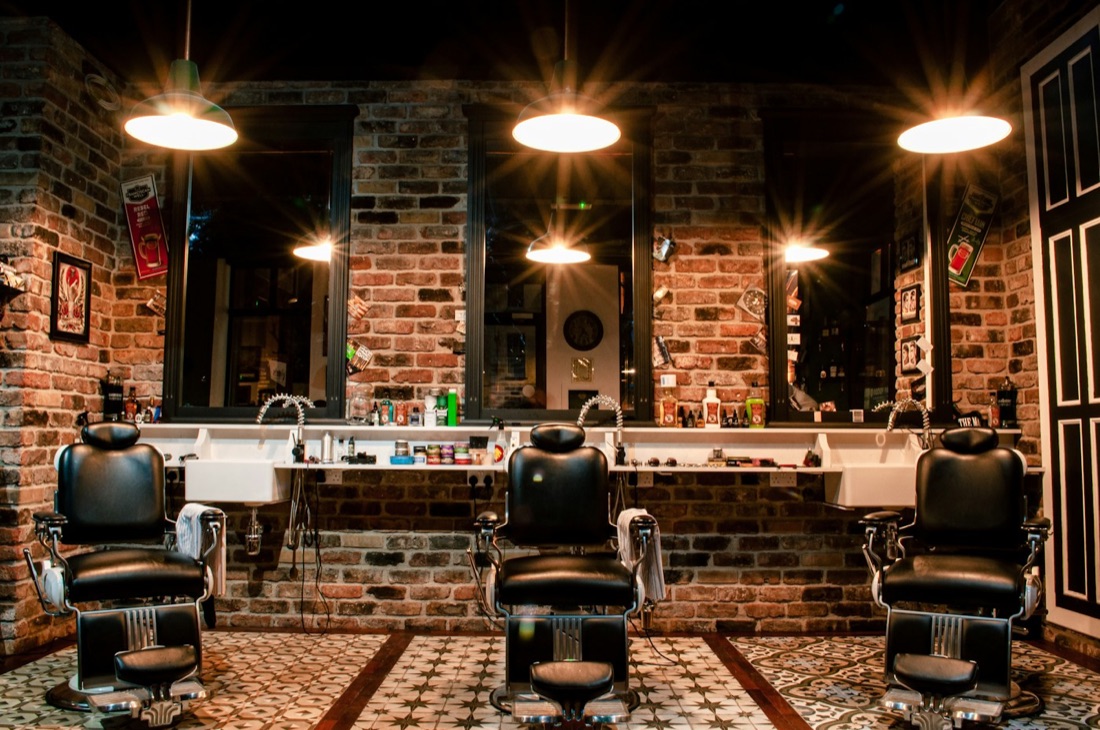
Three barber chairs in front of mirrors in a brick-walled shop
Shops
  • Up to 5 chairs
  • One site
  • 0% cut

We move you over.

We move your services and prices over free, plus your client list if your app lets you export it.

Your site live in 48 hours.Your client list moves as soon as you send it.

Try it free for 30 days.

Keep your current app. Card only when your site goes live. Cancel before day 30 and you're never charged.

See plans

Take a seat.

Your name and email. We email you to get your site started.

We only use your email to get your site started. By starting, you agree to our terms and privacy policy.